A beállítást mentettük, naponta értesítjük a beérkező friss kiadványokról
Fülszöveg
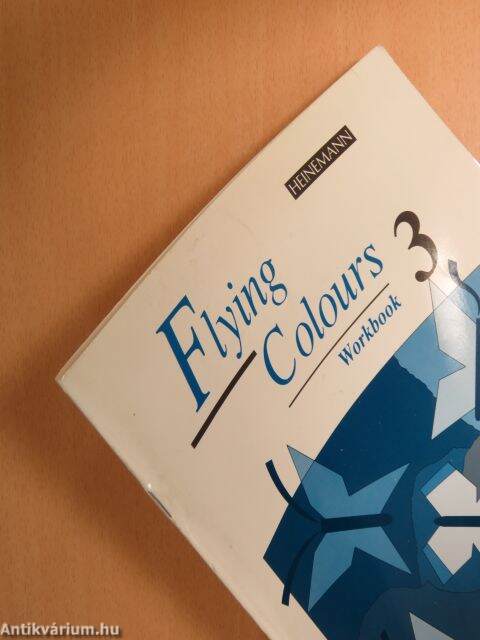
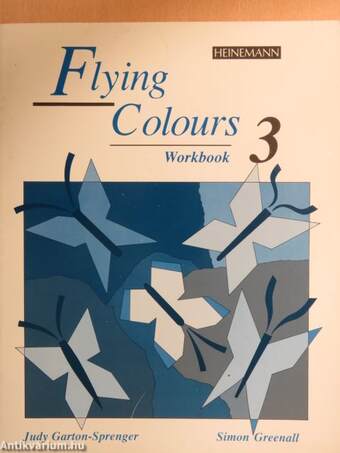
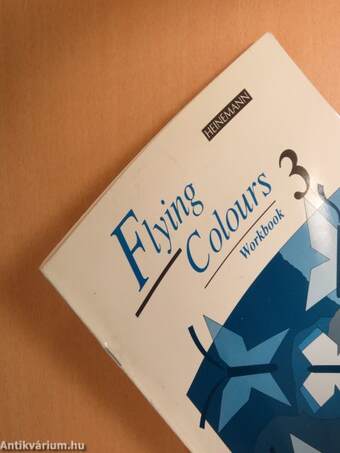
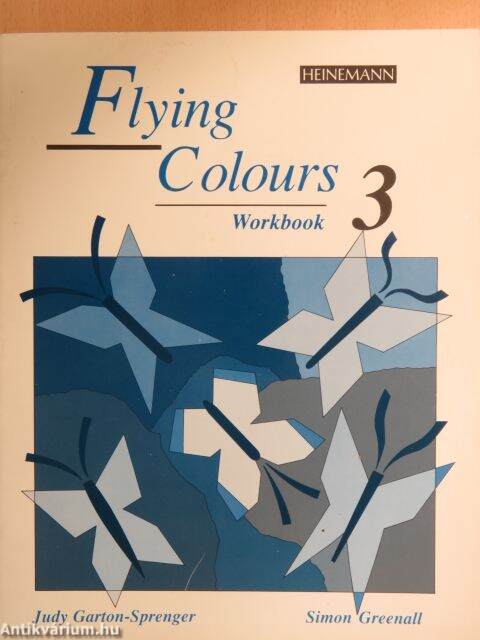
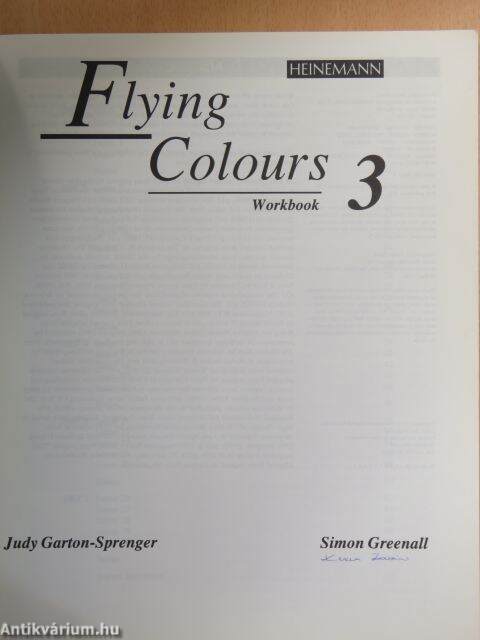
Flying Colours
Flying Colours is an English course for adult and young adult leamers of English. The course has three levels and takes leamers from beginner to intermediate level. It presents the language to be learned in interesting and real-life contexts through a variety of teaching techniques, and aims to help the learner acquire the English needed to communicate in practical situations. Prime Time video can be used to supplement the course.
Level 3 is for intermediate students.
Workbook
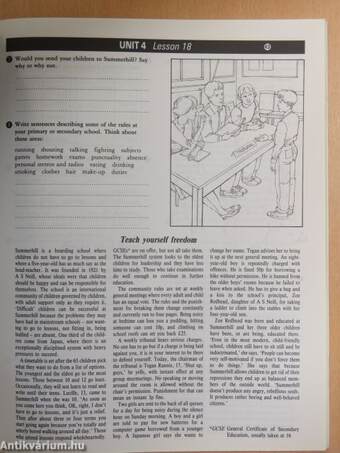
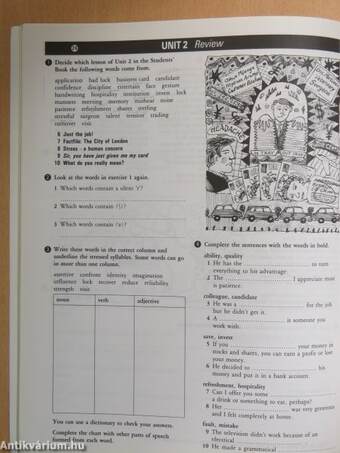
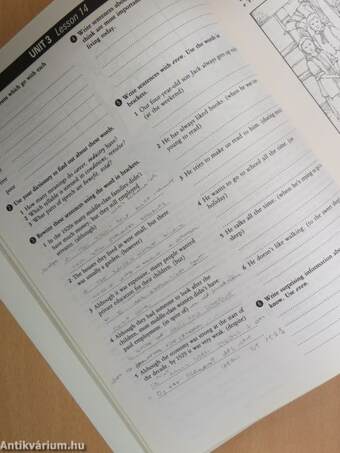
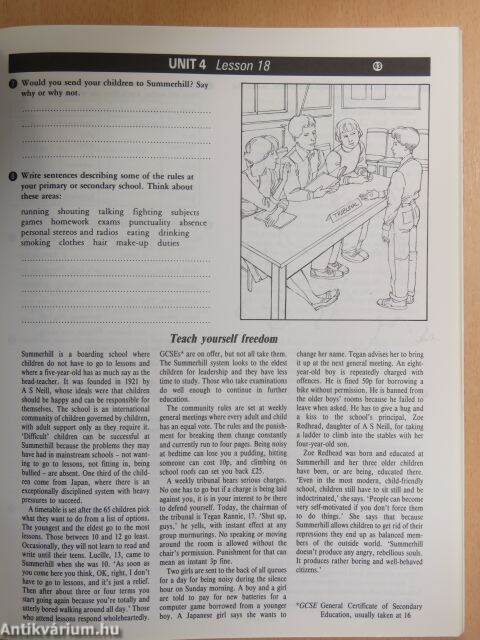
The Workbook contains a wide variety of exercises whieh are designed to reinforce and extend the language items and skills covered in the Students' Book. Special features include inductive grammar work which can be checked in the Language Study section of the Students' Book, phonetic-based exercises which encourage students to focus on spoken language and learner-training tasks which focus on the strategies promoted in the Students' Book. Indications are given to the teacher in the...
Tovább
Fülszöveg
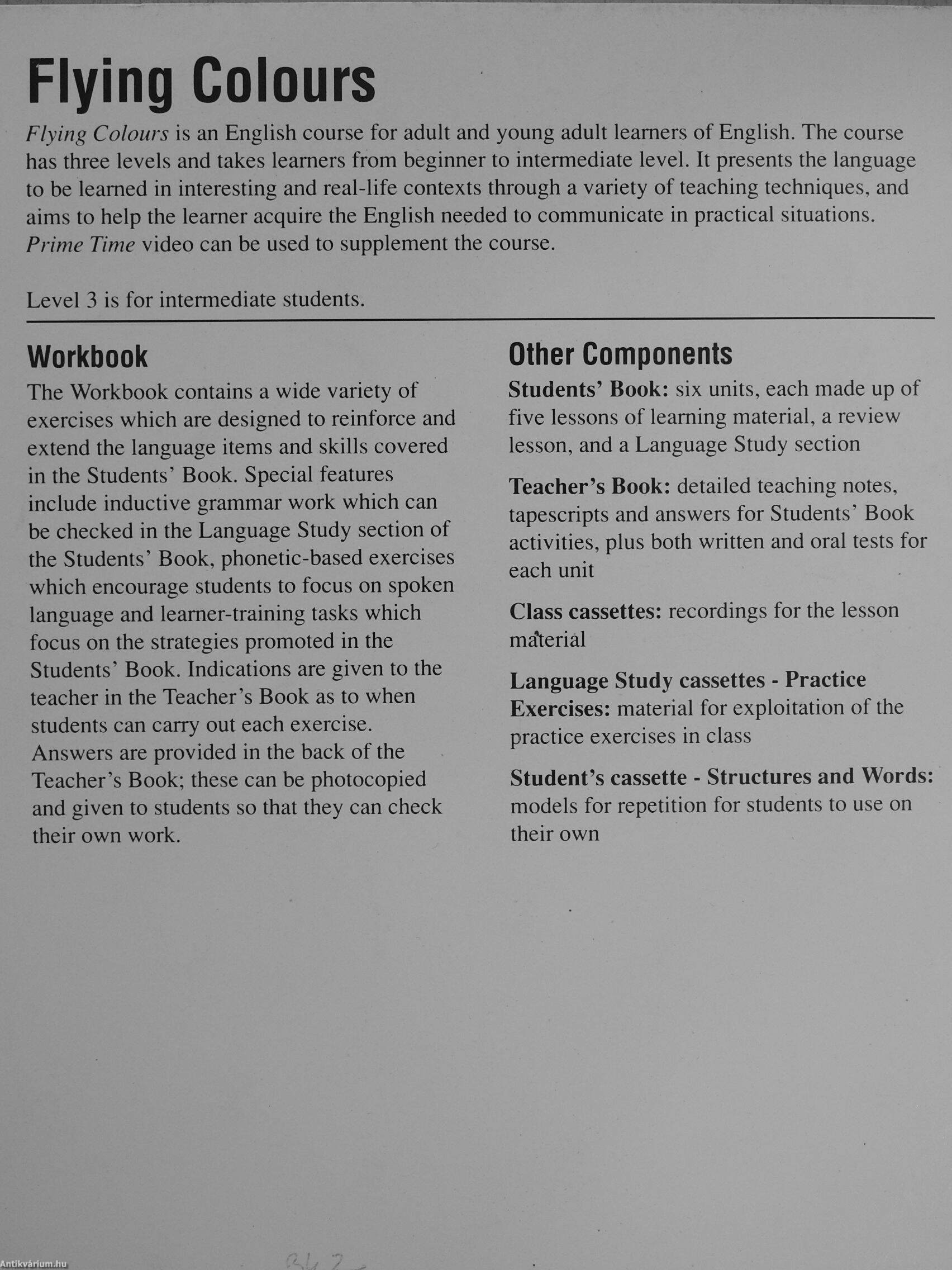
Flying Colours
Flying Colours is an English course for adult and young adult leamers of English. The course has three levels and takes leamers from beginner to intermediate level. It presents the language to be learned in interesting and real-life contexts through a variety of teaching techniques, and aims to help the learner acquire the English needed to communicate in practical situations. Prime Time video can be used to supplement the course.
Level 3 is for intermediate students.
Workbook
The Workbook contains a wide variety of exercises whieh are designed to reinforce and extend the language items and skills covered in the Students' Book. Special features include inductive grammar work which can be checked in the Language Study section of the Students' Book, phonetic-based exercises which encourage students to focus on spoken language and learner-training tasks which focus on the strategies promoted in the Students' Book. Indications are given to the teacher in the Teacher's Book as to when students can carry out each exercise. Answers are provided in the back of the Teacher's Book; these can be photocopied and given to students so that they can check their own work.
Other Components
Students' Book: six units, each made up of five lessons of learning material, a review lesson, and a Language Study section
Teacher's Book: detailed teaching notes, tapescripts and answers for Students' Book activities, plus both written and oral tests for each unit
Class cassettes: recordings for the lesson ma*teriâl
Language Study cassettes - Practice Exercises: material for exploitation of the practice exercises in class
Student's cassette - Structures and Words: models for répétition for students to use on their own
Vissza
Google, Facebook, Apple, Microsoft fiókkal való belépés/regisztráció eseténautomatikusan elfogadja az Általános Szerződési Feltételeket.
Elfelejtett jelszó
Kérjük, adja meg azonosítóját, és a hozzá tartozó email címet, hogy jelszavát elküldhessük Önnek!
A *-gal jelölt mezők kitöltése kötelező!
Azonosító név/E-mail cím* Azonosító és e-mail cím megegyező
E-mail cím*
(2009 március óta a regisztrált ügyfelek azonosító neve megegyezik az email címmel)
Ha az azonosítóját sem tudja megadni, kérjük, hívja az ügyfélszolgálati vonalat:
+36-62-452-833
1
2
3
Regisztráció
Regisztráció
Regisztrációja sikeresen megtörtént.
Megadott e-mail címére megerősítő e-mailt küldtünk. Ahhoz, hogy a regisztrációja véglegesedjen, és le tudja adni rendeléseit, kérjük, kattintson a levélben található linkre. A megerősítő link a kiküldéstől számított 48 óráig érvényes, ezután a regisztrációs adatok törlésre kerülnek.
Kérjük, jelölje meg az érdeklődési körébe tartozó témaköröket!
Regisztráció
Az ön által megjelölt témakörök:
Temakor_1
Beállíthatja, hogy emailben értesítőt kapjon az újonnan beérkezett példányokról a bejelölt témaköröknek megfelelően.
Beállított értesítőit belépés után bármikor módosíthatja az Értesítő menüpont alatt:
létrehozhat új témaköri értesítőt
inaktiválhatja értesítőjét, ha éppen nem kíván a megadott témában értesítőt kapni
törölheti véglegesen az adott értesítőjét
szerkesztheti jelenlegi értesítőjét, ha még részletesebben szeretné megadni mi érdekli.
Az Ön választása alapján naponta vagy 3 naponta kap tőlünk emailt a beállított értesítőjéről.