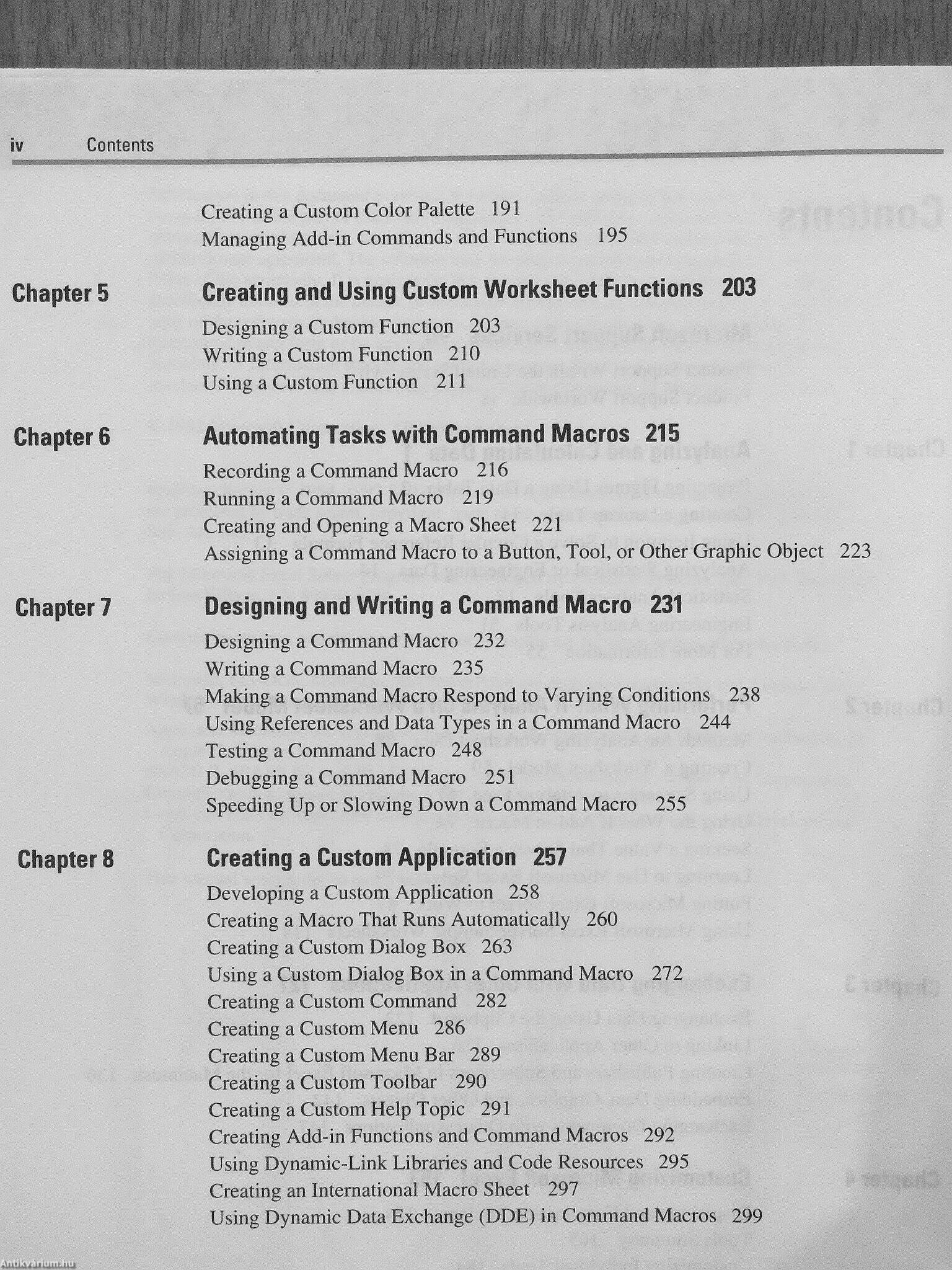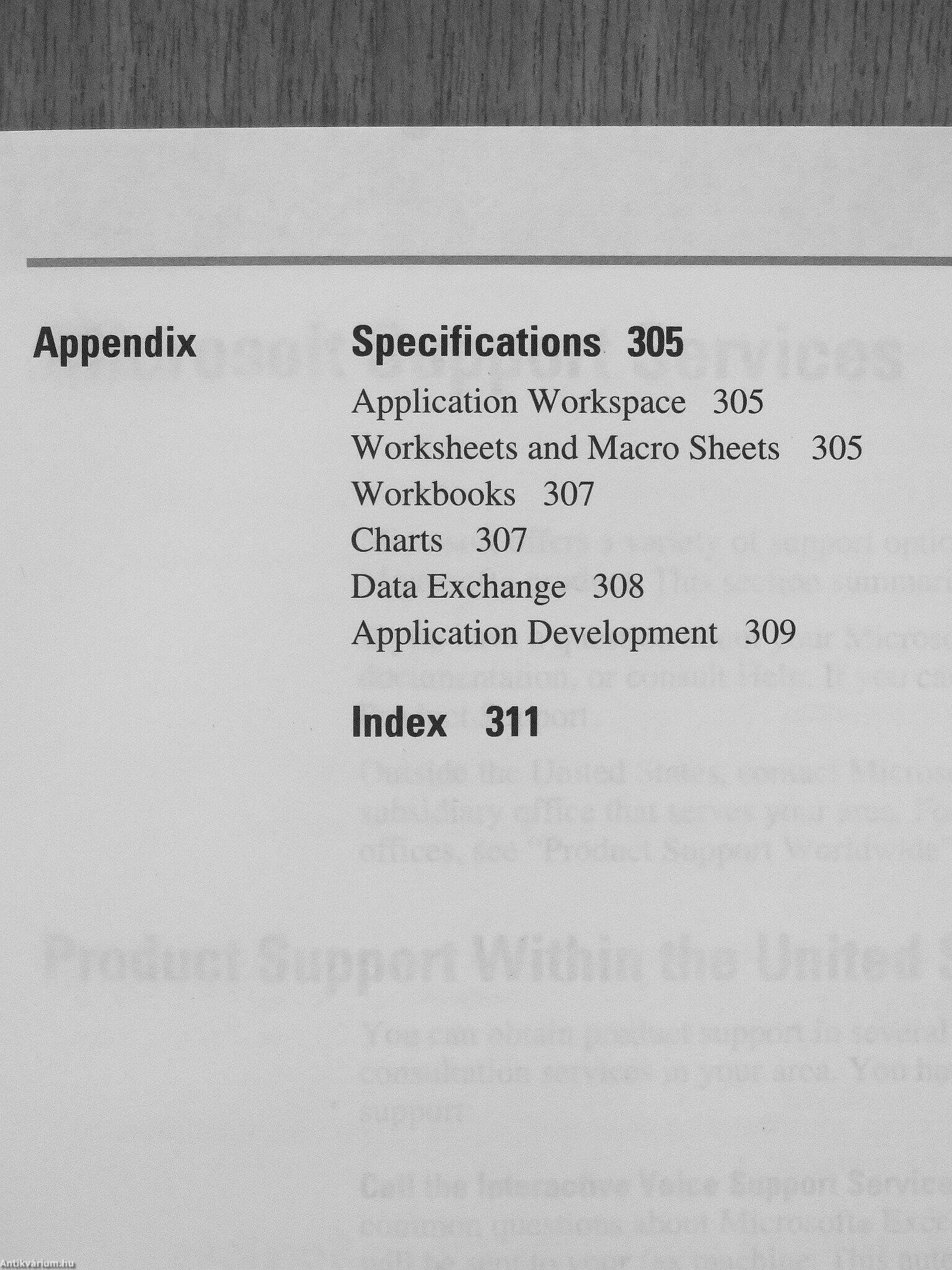
Spreadsheet with Business Graphics and Database - Version 4.0 for Apple Macintosh Series or Windows Series - Worksheet Analysis, Exchanging Data, Customizing, Automating
A beállítást mentettük, naponta értesítjük a beérkező friss kiadványokról
Fülszöveg
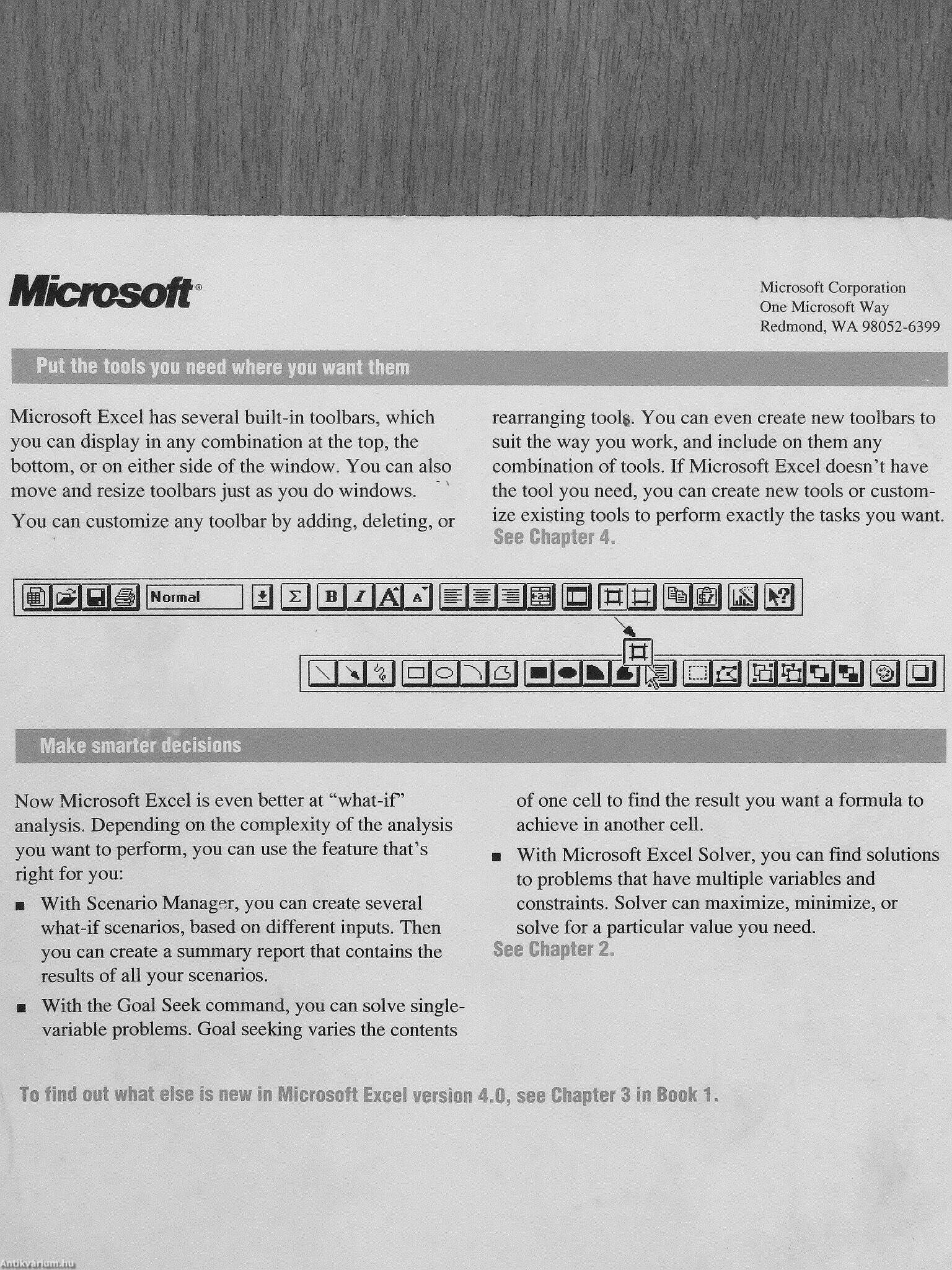
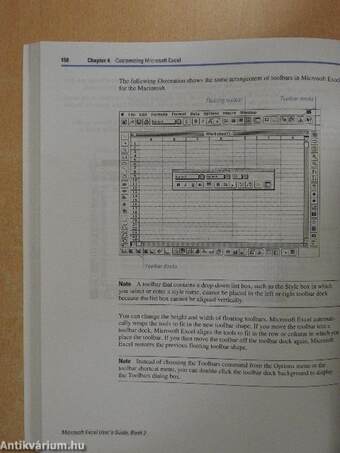
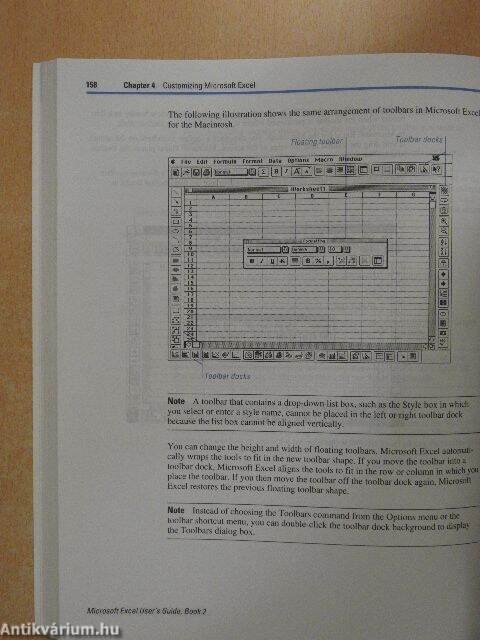
Microsoft Put the tools you need where you want them Microsoft Excel has several built-in toolbars, which you can display in any combination at the top, the bottom, or on either side of the window. You can alsó move and resize toolbars just as you do windows. You can customize any toolbar by adding, deleting, or Microsoft Corporation One Microsoft Way Redmond, WA 98052-6399 rearranging tool§. You can even create new toolbars to suit the way you work, and include on them any combination of tools. If Microsoft Excel doesn't have the tool you need, you can create new tools or customize existing tools to perform exactly the tasks you want. See Chapter 4„ MMM Normál m i^i r^RiAm PfflPia IB i«iai MI m
m
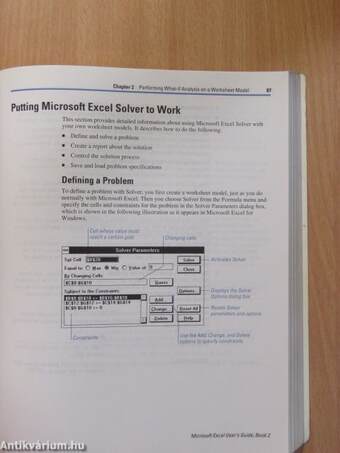
Make smarter decísions Now Microsoft Excel is even better at "what-if' analysis. Depending on the complexity of the analysis you want to perform, you can use the feature that's right for you: ¦ With Scenario Manager, you can create several what-if scenarios, based on different...
Tovább
Fülszöveg
Microsoft Put the tools you need where you want them Microsoft Excel has several built-in toolbars, which you can display in any combination at the top, the bottom, or on either side of the window. You can alsó move and resize toolbars just as you do windows. You can customize any toolbar by adding, deleting, or Microsoft Corporation One Microsoft Way Redmond, WA 98052-6399 rearranging tool§. You can even create new toolbars to suit the way you work, and include on them any combination of tools. If Microsoft Excel doesn't have the tool you need, you can create new tools or customize existing tools to perform exactly the tasks you want. See Chapter 4„ MMM Normál m i^i r^RiAm PfflPia IB i«iai MI m
m
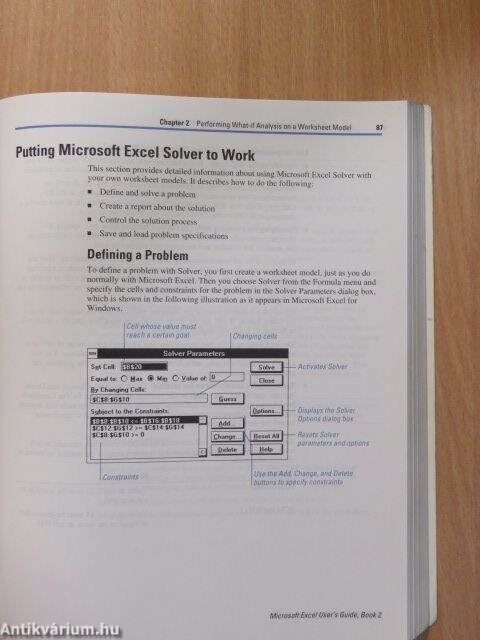
Make smarter decísions Now Microsoft Excel is even better at "what-if' analysis. Depending on the complexity of the analysis you want to perform, you can use the feature that's right for you: ¦ With Scenario Manager, you can create several what-if scenarios, based on different inputs. Then you can create a summary report that contains the results of all your scenarios. ¦ With the Goal Seek command, you can solve singlevariable problems. Goal seeking varies the contents of one cell to find the result you want a formula to achieve in another cell. ¦ With Microsoft Excel Solver, you can find solutions to problems that have multiple variables and constraints. Solver can maximize, minimize, or solve for a particular value you need. See Chapter 2. To find out what else is new in Microsoft Excel version 4.0, see Chapter 3 in Book 1.
Vissza
Google, Facebook, Apple, Microsoft fiókkal való belépés/regisztráció eseténautomatikusan elfogadja az Általános Szerződési Feltételeket.
Elfelejtett jelszó
Kérjük, adja meg azonosítóját, és a hozzá tartozó email címet, hogy jelszavát elküldhessük Önnek!
A *-gal jelölt mezők kitöltése kötelező!
Azonosító név/E-mail cím* Azonosító és e-mail cím megegyező
E-mail cím*
(2009 március óta a regisztrált ügyfelek azonosító neve megegyezik az email címmel)
Ha az azonosítóját sem tudja megadni, kérjük, hívja az ügyfélszolgálati vonalat:
+36-62-452-833
1
2
3
Regisztráció
Regisztráció
Regisztrációja sikeresen megtörtént.
Megadott e-mail címére megerősítő e-mailt küldtünk. Ahhoz, hogy a regisztrációja véglegesedjen, és le tudja adni rendeléseit, kérjük, kattintson a levélben található linkre. A megerősítő link a kiküldéstől számított 48 óráig érvényes, ezután a regisztrációs adatok törlésre kerülnek.
Kérjük, jelölje meg az érdeklődési körébe tartozó témaköröket!
Regisztráció
Az ön által megjelölt témakörök:
Temakor_1
Beállíthatja, hogy emailben értesítőt kapjon az újonnan beérkezett példányokról a bejelölt témaköröknek megfelelően.
Beállított értesítőit belépés után bármikor módosíthatja az Értesítő menüpont alatt:
létrehozhat új témaköri értesítőt
inaktiválhatja értesítőjét, ha éppen nem kíván a megadott témában értesítőt kapni
törölheti véglegesen az adott értesítőjét
szerkesztheti jelenlegi értesítőjét, ha még részletesebben szeretné megadni mi érdekli.
Az Ön választása alapján naponta vagy 3 naponta kap tőlünk emailt a beállított értesítőjéről.