
1.146.493
kiadvánnyal nyújtjuk Magyarország legnagyobb antikvár könyv-kínálatát

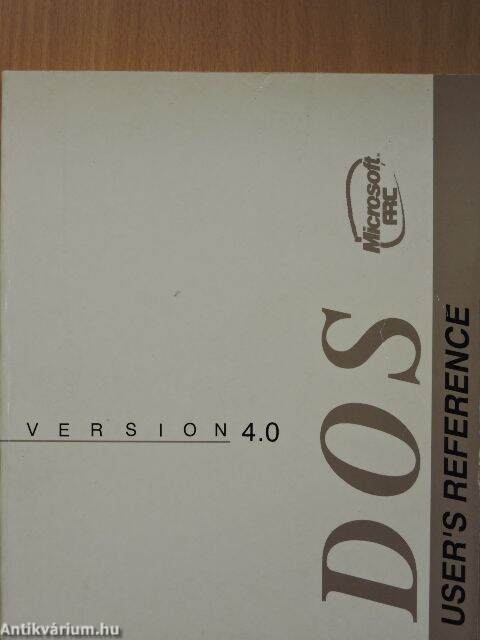
Microsoft MS-DOS - User's Reference
Operating System Version 4.0
| Kiadó: | Microsoft Corporation |
|---|---|
| Kiadás helye: | |
| Kiadás éve: | |
| Kötés típusa: | Ragasztott papírkötés |
| Oldalszám: | 434 oldal |
| Sorozatcím: | |
| Kötetszám: | |
| Nyelv: | Angol |
| Méret: | 23 cm x 19 cm |
| ISBN: | |
| Megjegyzés: | Felhasználói kézikönyv. |
Értesítőt kérek a kiadóról
A beállítást mentettük,
naponta értesítjük a beérkező friss
kiadványokról
naponta értesítjük a beérkező friss
kiadványokról
A beállítást mentettük,
naponta értesítjük a beérkező friss
kiadványokról
naponta értesítjük a beérkező friss
kiadványokról
Előszó
Introduction
What you see before you is a resource manual. It is unlikely that you will ever
sit down to read it cover to cover. Rather, you will probably pick it up when
you are looking for a... Tovább
Előszó
Introduction
What you see before you is a resource manual. It is unlikely that you will ever
sit down to read it cover to cover. Rather, you will probably pick it up when
you are looking for a specific piece of information. The MS-DOS User's
Reference was designed with that in mind.
Who should use this manual?
This manual is written for the person who has some experience with personal
computers. To best use this manual, you should be familiar with the introductory
information in the MS-DOS User's Guide and know how to start MS-DOS , how to
copy, delete, and rename files, how to make copies of disks, and how to run
applications.
Also, you should have already made a backup copy of your MS-DOS master disks and
stored the originals in a safe place. If you haven't done so, refer to the
MS-DOS User's Guide to Ieam how to make a backup copy of your disks. Vissza
Tartalom
Introduction vii
What is MS-DOS? viii
MS-DOS Version 4.0 viii
Notational Conventions ix
How to Use This Manual x
1 More About Files and Directories 1
Before You Start 1
File Protection 2
How MS-DOS Keeps Track of Your Files 2
Multilevel Directories 3
Paths and Pathnames 7
Wildcards 9
The ? Wildcard 9
The * Wildcard 9
Using Directories 10
How to Create a Directory 11
How to Change Your Working Directory 11
How to Display Your Working Directory 11
How to Delete a Directory 12
How to Rename a Directory 13
2 About Commands 15
Types of MS-DOS Commands 15
Redirecting Command Input and Output 18
How to Redirect Your Output 18
How to Redirect Input 19
Filters and Pipes 19
Command Pipes 19
3 MS-DOS Commands 21
Sample Command 23
Command Options 24
More About Options 25
MS-DOS Commands 26
4 Batch Processing 143
Why Use Batch Files? 143
How to Create Batch Files 143
The Autoexec.bat File 145
How to Create a Batch File with Replaceable Parameters 149
How to Use Named Parameters in a Batch File 150
How to Run a Batch File 151
How to Use Temporary Files 152
Batch Processing Commands 153
5 MS-DOS Editing and Function Keys 165
Special MS-DOS Editing Keys 165
How MS-DOS Uses the Template 165
The MS-DOS Editing Keys 166
How to Use the MS-DOS Template 168
The MS-DOS Control Characters 170
6 The Line Editor (Ed lin) 173
How Edlin Works 174
How to Start Edlin 174
How to End Edlin and Save Your Changes 175
Special Editing Keys 176
Using Edlin Commands 182
Some Tips for Using Edlin Commands 182
Edlin Command Options 184
The Line Option 184
The Question Mark Option 185
The Text Option 185
The Edlin Commands 185
7 Link: A Linker 207
Introduction 207
Starting and Using Link 208
Method 1: Using Prompts to Specify Link Files 208
Method 2: Using a Command Line to Specify Link Files 210
Method 3: Using a Response File to Specify Link Files 213
The Lib Files 215
The Map File 216
The Temporary Disk File - Vm.tmp 217
The Link Options 218
Viewing the Options List 219
Pausing to Change Disks 219
Packing Executable Files 220
Producing a Public-Symbol Map 221
Copying Line Numbers to the Map File 221
Preserving Lowercase 222
Ignoring Default Libraries 223
Setting the Stack Size 223
Setting the Maximum Allocation Space 224
Setting a High Start Address 225
Allocating a Data Group 226
Removing Groups from a Program 226
Setting the Overlay Interrupt 227
Setting the Maximum Number of Segments 228
Using DOS Segment Order 228
How Link Works 229
Alignment of Segments 230
Frame Number 230
Order of Segments 230
Combined Segments 231
Groups 232
Fixups 232
8 Debug 235
Introduction 235
How to Start Debug 236
Method 1: Debug 236
Method 2: Command Line 237
Debug Command Information 237
Debug Command Parameters 239
Debug Error Messages 240
Appendix A Instructions for Users with SingleFloppyDiskDriveSystems 277
Appendix B How to Configure Your System 279
What is a Configuration File? 279
Config.sys Commands 280
Sample Config.sys File 280
Appendix C Installable Device Drivers 299
Introduction 299
Ansi.sys 300
ANSI Escape Sequences Used with MS-DOS 300
Display.sys 307
Driver.sys 308
Prinler.sys 311
Ramdrive.sys 313
Smaitdrv.sys 316
Appendix D Configuring Your Hard Disk (Fdisk) 317
Introduction 317
Checking for a Configured and Formatted Disk 318
How to Start Fdisk 318
How to Create a DOS Partition 319
Selection 1: Create Primary DOS Partition 320
Selection 2: Create Extended DOS Partition 321
Selection 3: Create Logical Drive in the Extended DOS Partition 322
How to Set the Active Partition 323
How to Delete a DOS Partition 324
Selection 1: Delete Primary DOS Partition 325
Selection 2: Delete Extended DOS Partition 325
Selection 3: Delete Logical Drive in the Extended DOS Partition 326
How to Display Partition Data 326
How to Select the Next Fixed Disk Drive 328
Appendix E How to Use Code Pages 329
Introduction 329
National Language Support Codes 330
How to Use Code Pages 331
How to Set Device Code Pages 333
How to Switch Between Code Pages 336
How to List Current Code Pages 336
How to Refresh Lost Code Pages 337
Appendix F MS-DOS Message Directory 337
MS-DOS Messages 337
Index 405
Témakörök
Megvásárolható példányok
Állapotfotók
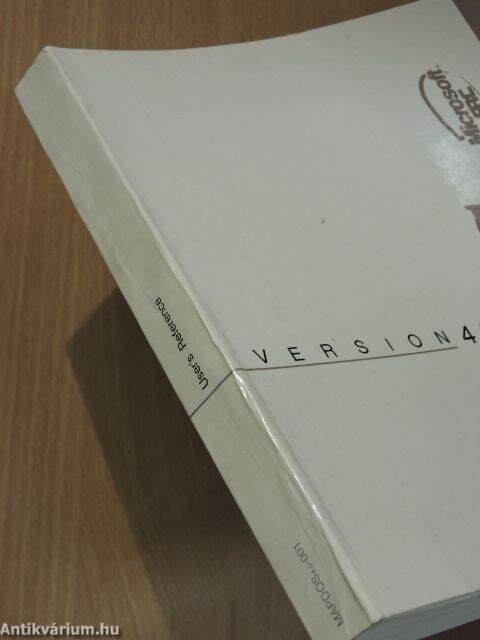




A borító enyhén töredezett, a borító, néhány lap és a lapélek foltosak.
Állapot:
Jó
2.480 Ft
1.240 ,-Ft 50
6
pont kapható
Kosárba
 Folytatás Microsoft-tal