
1.150.582
kiadvánnyal nyújtjuk Magyarország legnagyobb antikvár könyv-kínálatát

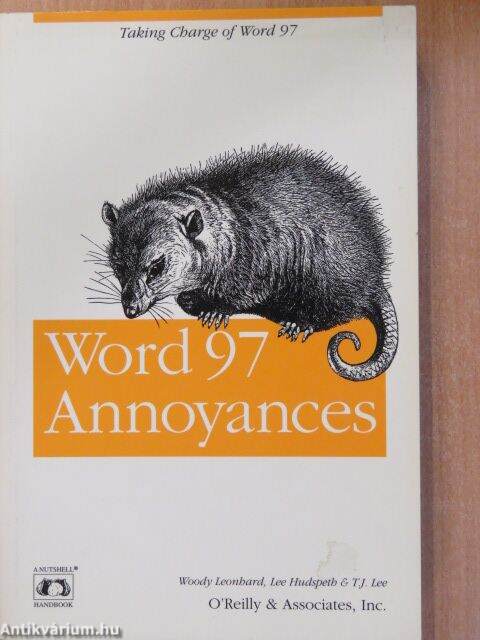
Word 97 Annoyances
Cambridge
| Kiadó: | O'Reilly |
|---|---|
| Kiadás helye: | Cambridge |
| Kiadás éve: | |
| Kötés típusa: | Ragasztott papírkötés |
| Oldalszám: | 338 oldal |
| Sorozatcím: | Nutshell Handbook |
| Kötetszám: | |
| Nyelv: | Angol |
| Méret: | 23 cm x 15 cm |
| ISBN: | 1-56592-308-1 |
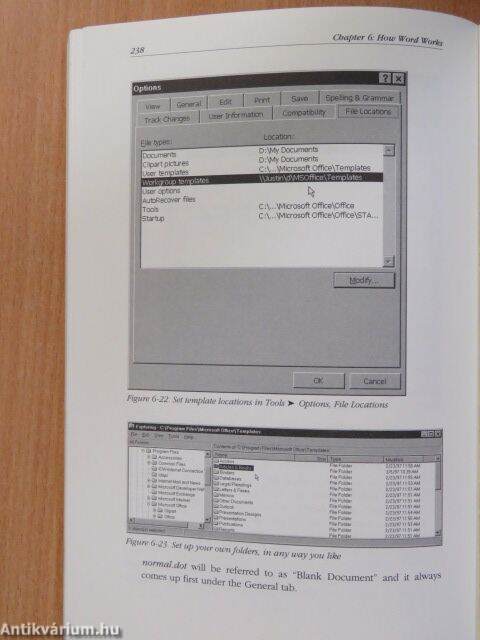
| Megjegyzés: | Fekete-fehér ábrákkal. |
Értesítőt kérek a kiadóról
Értesítőt kérek a sorozatról
A beállítást mentettük,
naponta értesítjük a beérkező friss
kiadványokról
naponta értesítjük a beérkező friss
kiadványokról
A beállítást mentettük,
naponta értesítjük a beérkező friss
kiadványokról
naponta értesítjük a beérkező friss
kiadványokról
Fülszöveg
Windows/Office Applications TM First, the good news: Microsoft Word is magnificently malleable. If you don't üke the way a certain part of Word works, all it usually takes is a little gumption and a bit of reading, and you can probably change things around so they work the way you want them to. Word is one of the most complex, most sophisticated, and most useful pieces of software ever created; it's there for you to mold to your way of working. You don't have to settle for the built-in stuff. Now the bad news: there's a lot of built-in stuff, and a lot of it is annoying. You may be annoyed that something (it's called Find Fast) takes over your machine every so often to scan and index your files. Or you may find it difficult to select a block of text that begins in the middle of a word. Or that, when you want to select a new style for somé text, a visually attractive drop-down list takes forever to appear. But whatever the immediate cause of the annoyance, what's most annoying is... TovábbFülszöveg
Windows/Office Applications TM First, the good news: Microsoft Word is magnificently malleable. If you don't üke the way a certain part of Word works, all it usually takes is a little gumption and a bit of reading, and you can probably change things around so they work the way you want them to. Word is one of the most complex, most sophisticated, and most useful pieces of software ever created; it's there for you to mold to your way of working. You don't have to settle for the built-in stuff. Now the bad news: there's a lot of built-in stuff, and a lot of it is annoying. You may be annoyed that something (it's called Find Fast) takes over your machine every so often to scan and index your files. Or you may find it difficult to select a block of text that begins in the middle of a word. Or that, when you want to select a new style for somé text, a visually attractive drop-down list takes forever to appear. But whatever the immediate cause of the annoyance, what's most annoying is that it's taking you longer than you think it should to perform simple tasks. Word 97 Annoyances takes a look at these and other annoyances and shows you how to get rid of them so that you can get your work done more easily and efficiently. For instance, the book will show you how to: • Customize the toolbar so it works the way you want it to. You can create toolbars that reflect the way you work, instead of catering to the needs of Microsoft's marketing staff. • Reduce your stress level by taking an in-depth look at what makes Word tick. By understanding how Word defines sections or formats paragraphs, you can begin to understand and accept somé apparent annoyances that are built into Word. • Write simple VB A programs to eliminate your own personal annoyances. For example, short VBA programs show how to disable the "Float over text" box that is always checked whenever you try to insert an image into your document. And while making Word a more productive and easier tool to use, you'll alsó be enjoying a well-written, extremely humorous computer book. Vissza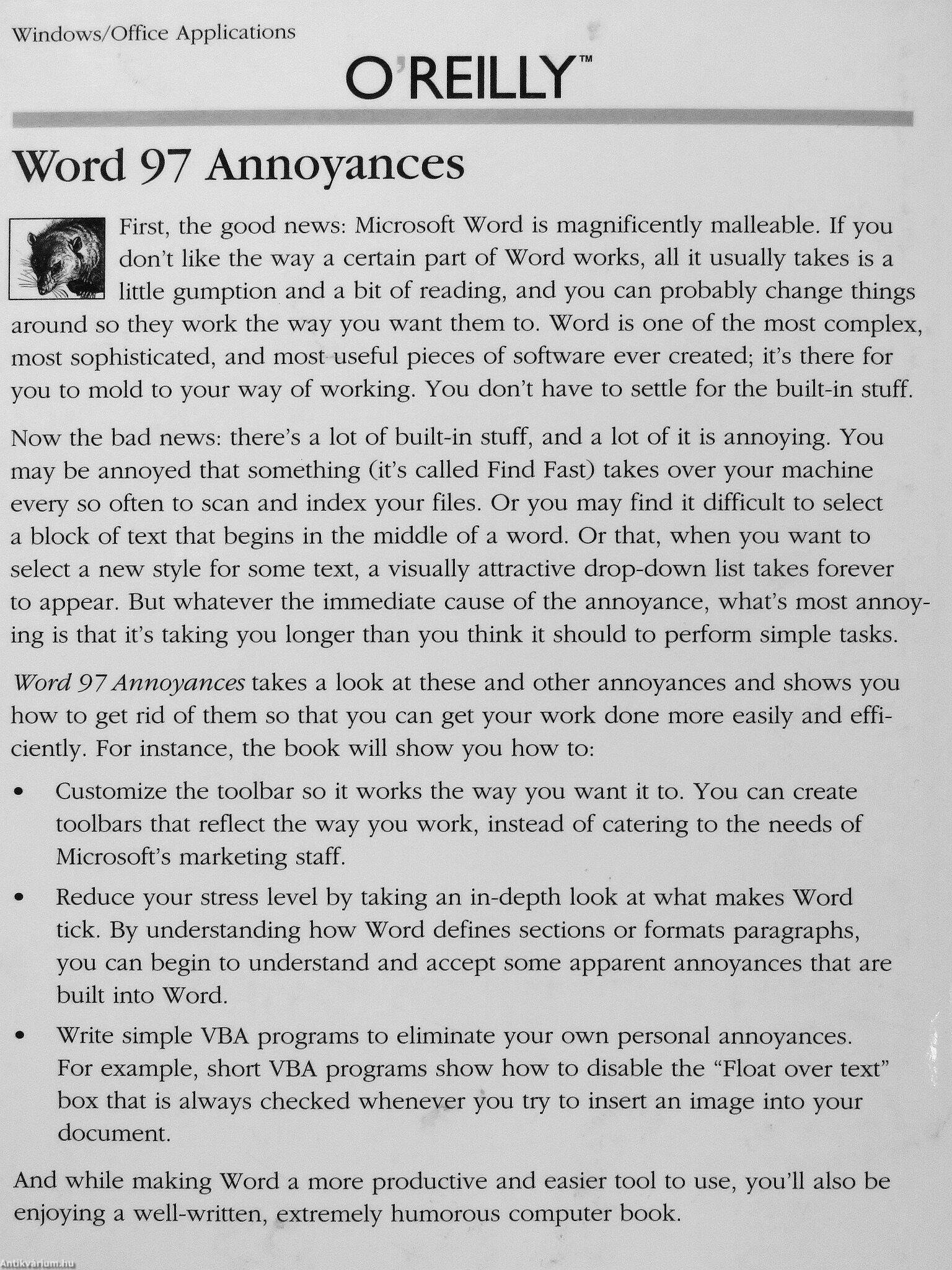
Témakörök
Megvásárolható példányok
Állapotfotók
Állapot:
Jó
4.340 Ft
2.170 ,-Ft 50
11
pont kapható
Kosárba
 Folytatás Microsoft-tal